*** This version of Confluence is for testing only and contains a copy of content from June 29th 2026. No changes will be preserved. ***

...
If you are running an experiment in the lab, make sure to put your name and email address in the correct boxes. Process Controller will email you automatically if the experiment shuts off due to an extreme change of pressure that you may have set in your program. Additionally, if there is a leak or problem with the setup in the laboratory, someone else in the lab can easily see who is running the experiment and email you.
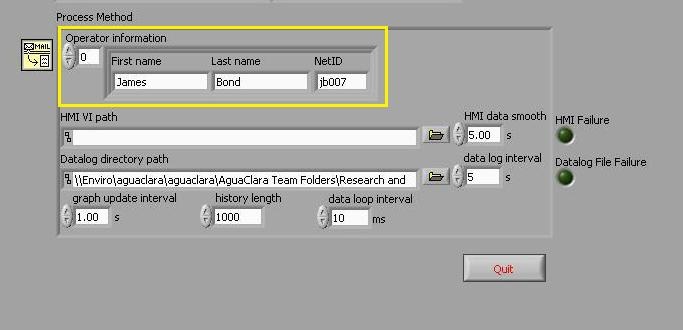
...
The datalog files are set to be named by the current date you are running the experiment. You must dictate where you want the datalog path. Click on the open folder button next to the datalog path name and you can navigate to a folder that you want the data files to be saved under. It can be a new folder with the current date, or one folder where all your files are located. Once you have the currect folder, click "Current Folder" on the screen and this folder will show up in the datalog path. Note: It is important that you ensure this is the correct folder whenever you run a new experiment, or else results from different experiments can mesh together in the same file if you run it in the same day.
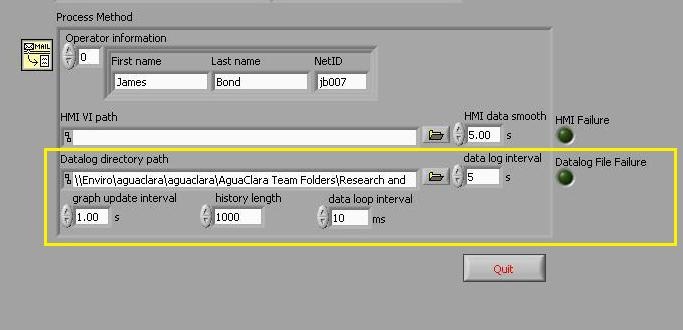
When you are logging data ensure that the button next to data logging is green. If it is not green, then data is not being logged. See help page on troubleshooting
...