*** This version of Confluence is for testing only and contains a copy of content from June 29th 2026. No changes will be preserved. ***

...
Click on the icon furthest to the right under Method Files to open any previous method files. Since you will be creating your own method file for this tutorial, we will not be opening one.
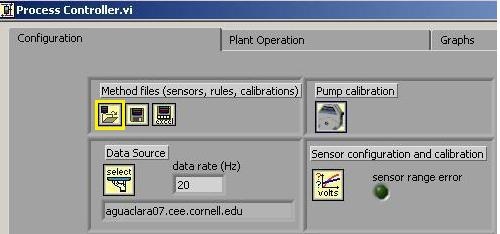
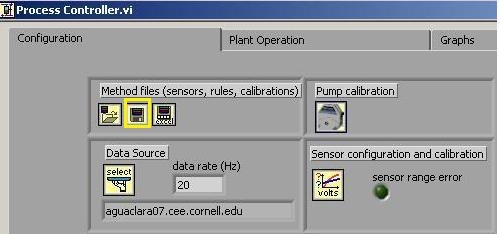
For each new experimental method you develop, you should save it as its own file or if you have been working on the method file and want to save changes, click on this button. It will ask you to either rename the file, or click on the previous file to override the saved changes. This allows you to "save as" without changing an old file.
If you are running an experiment in the lab, make sure to put your name and email address in the correct boxes. Process Controller will email you automatically if the experiment shuts off due to an extreme change of pressure that you may have set in your program. Additionally, if there is a leak or problem with the setup in the laboratory, someone else in the lab can easily see who is running the experiment and email you.
Process control software is a powerful tool for automating data collection. Data such as temperature, turbidity, and pH can be set to be output into an excel spreadsheet every 5 seconds where you direct the PC to drop them.
...