 Sign-up for free online course on ANSYS simulations!
| Include Page | ||||
|---|---|---|---|---|
|
Step 2: Geometry
Our geometry is 2D. At Workbench, in the Beam cell, right click on Geometry, and select Properties. You will see the properties menu on the right of the Workbench window. Under Advance Geometry Options, change the Analysis Type to 2D.
...
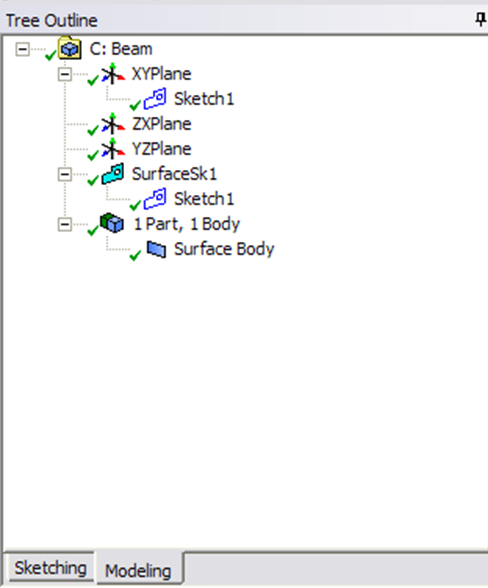
You can close the Design Modeler and go back to Workbench (Don't worry, it will auto save).