 Sign-up for free online course on ANSYS simulations!
...
You should have something like this:
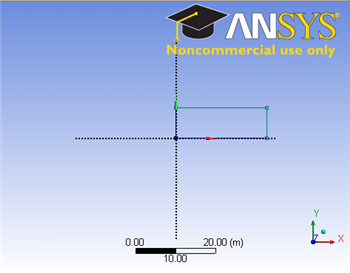
Note: You do not have to worry about geometry for now, we can dimension them properly in the later step.
Modify the Sketch
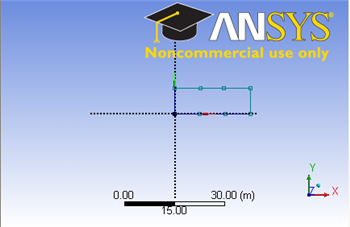
Since we have a heated section in the middle of the pipe, we need We would like to split the geometry appropriatelytop and bottom with three edges. Click Modify tab and select Split. Roughly select four points on the top and bottom of the rectangle where there will be heated section.
Dimensions and Constraints
...
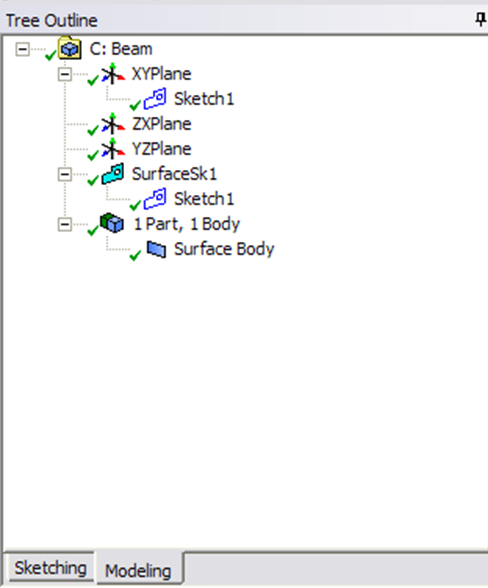
This will create a new surface SurfaceSK1. Under Details View, select Sketch1 as Base Objects and click Apply. Finally click Generate  to generate the surface. This is what you should see under your Tree Outline.
You can close the Design Modeler and go back to Workbench (Don't worry, it will auto save).
...