 Sign-up for free online course on ANSYS simulations!
...
Shift left-click on the face and click Apply. The meshed area should look like this after zooming in:
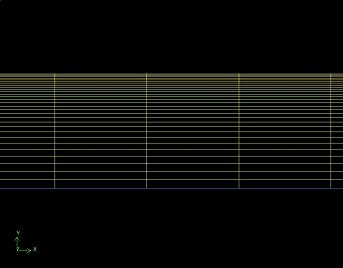 (Click picture for larger image)
| newwindow | ||||
|---|---|---|---|---|
| ||||
https://confluence.cornell.edu/download/attachments/90736781/01meshed_facefull.JPG?version=1 |
Go to Step 3: Specify Boundary Types in GAMBIT
...