 Sign-up for free online course on ANSYS simulations!
...
Make sure all 5 items under Surfaces are selected. Then click Display. Remember that we can zoom in using the middle mouse button. Zoom in and admire the grid. How many divisions are there in the radial direction?
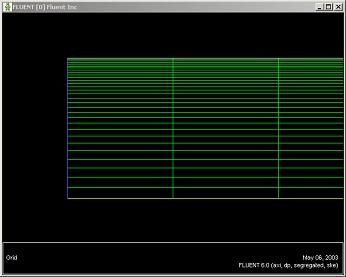
(Click picture for larger image)
Recall that you can look at specific components of the grid by choosing the entities you wish to view under Surfaces (click to select and click again to deselect a specific boundary). Click Display again when you have selected your boundaries. Use this feature and make sure that the boundary labels correspond to the correct geometric entities.
...